Developer tools
NotebookLM Player
A Chrome extension that swaps the plain video controls in Google's NotebookLM for a player that feels like YouTube, with keyboard shortcuts, speed control, loops and resume. It also adds a distraction-free Zen mode and slash commands for common study prompts.

 Source code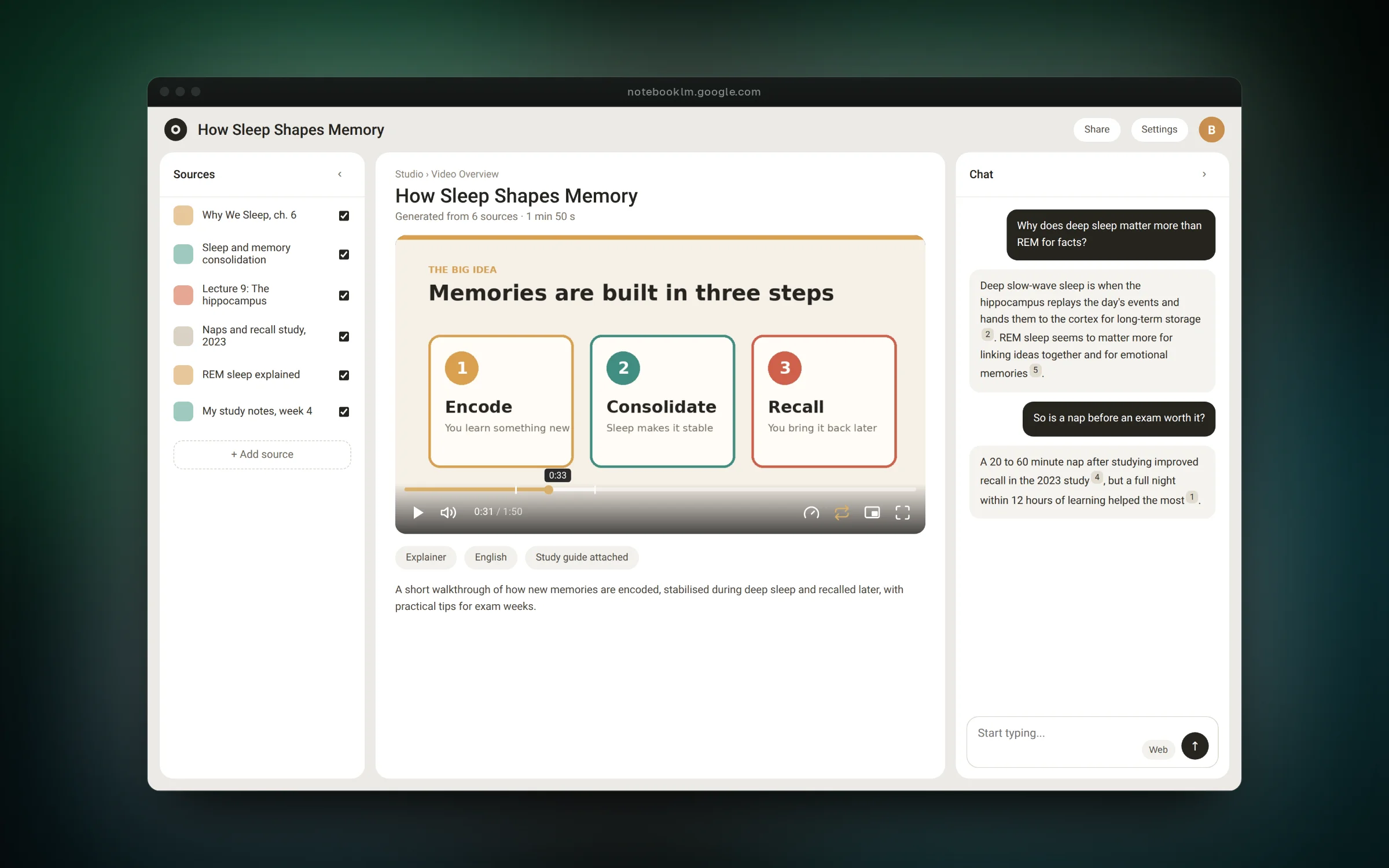
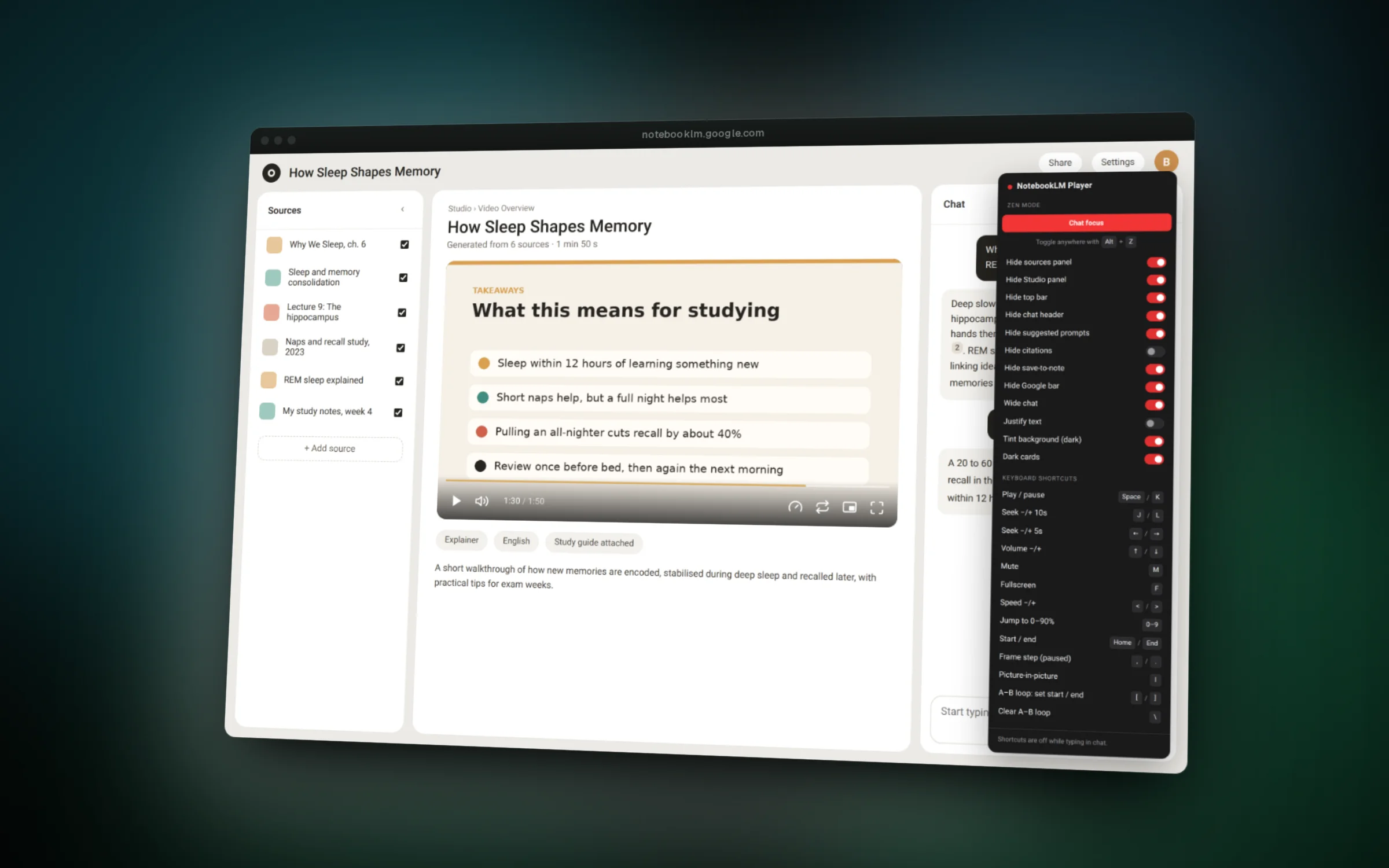
01 / 06A YouTube-style player with an A to B loop on a Video Overview
Overview
NotebookLM can turn your sources into a narrated Video Overview, but the player only has the browser's basic controls. If you study with it, you end up clicking around to rewind, slow down or repeat a part.
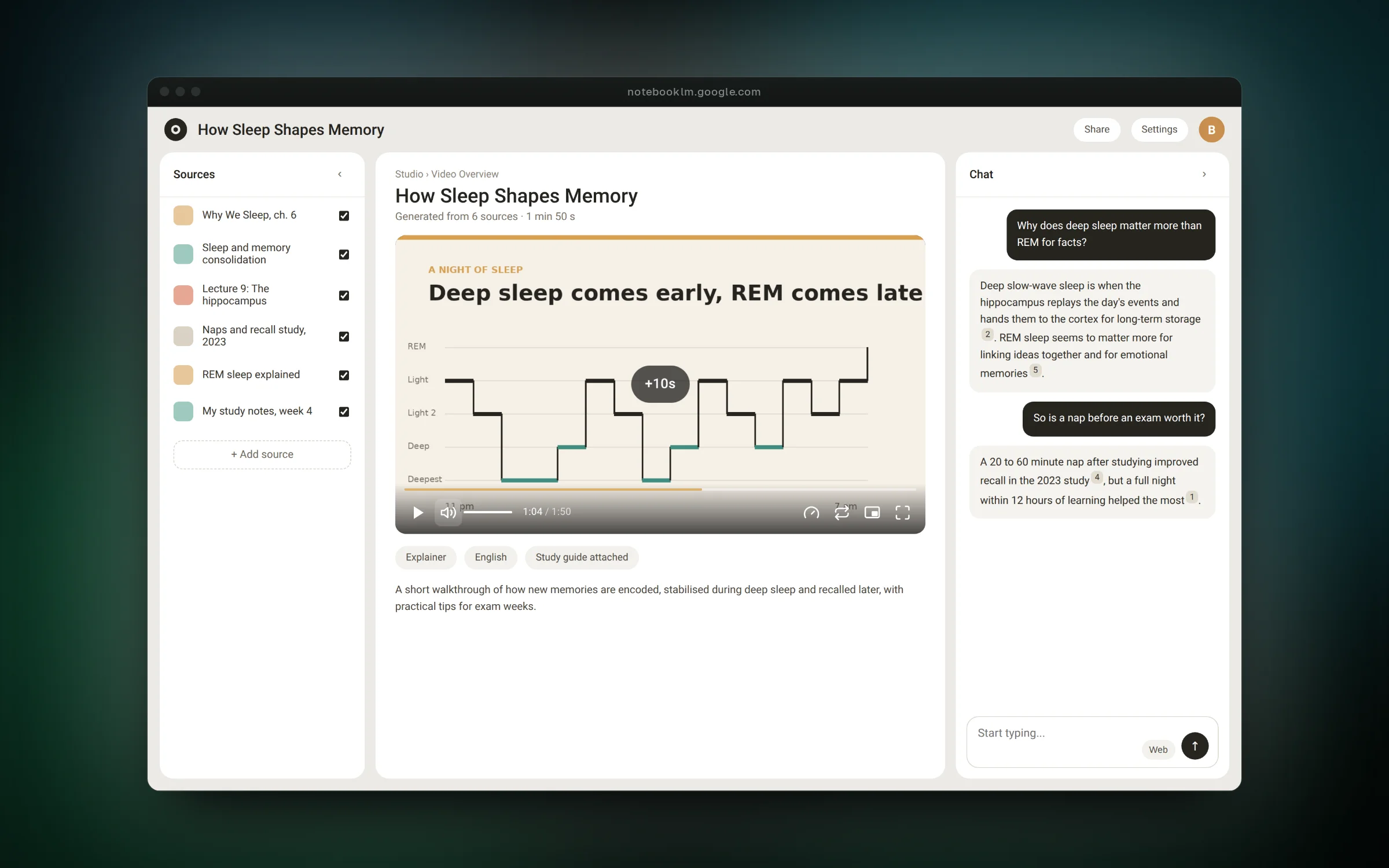
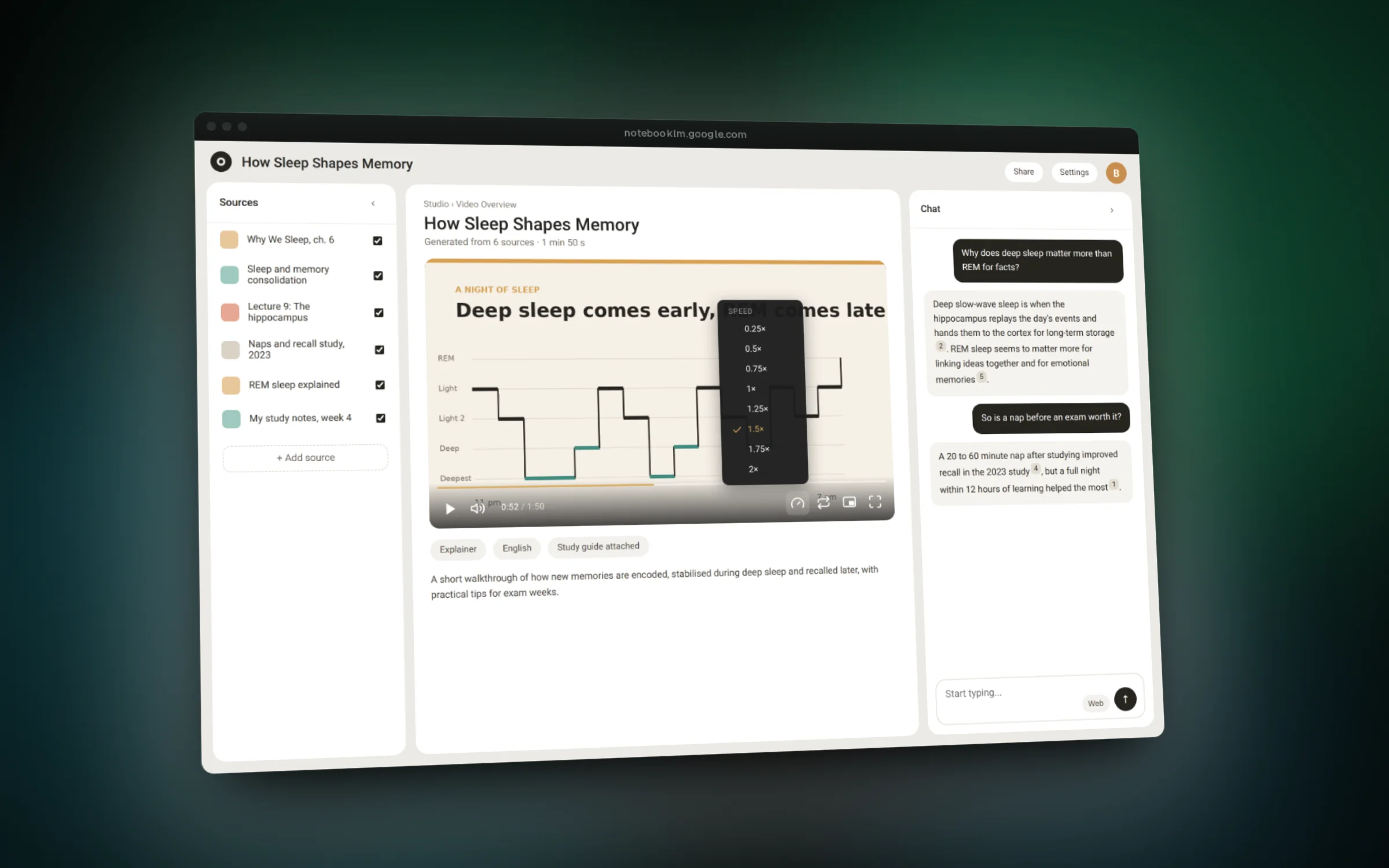
This extension keeps NotebookLM's own video element and lays a new control bar over it: a scrubber with time previews, volume, speed, picture-in-picture, fullscreen and an A to B loop. Every action also has a YouTube-style keyboard shortcut, and the player remembers your speed, volume and where you stopped in each notebook.
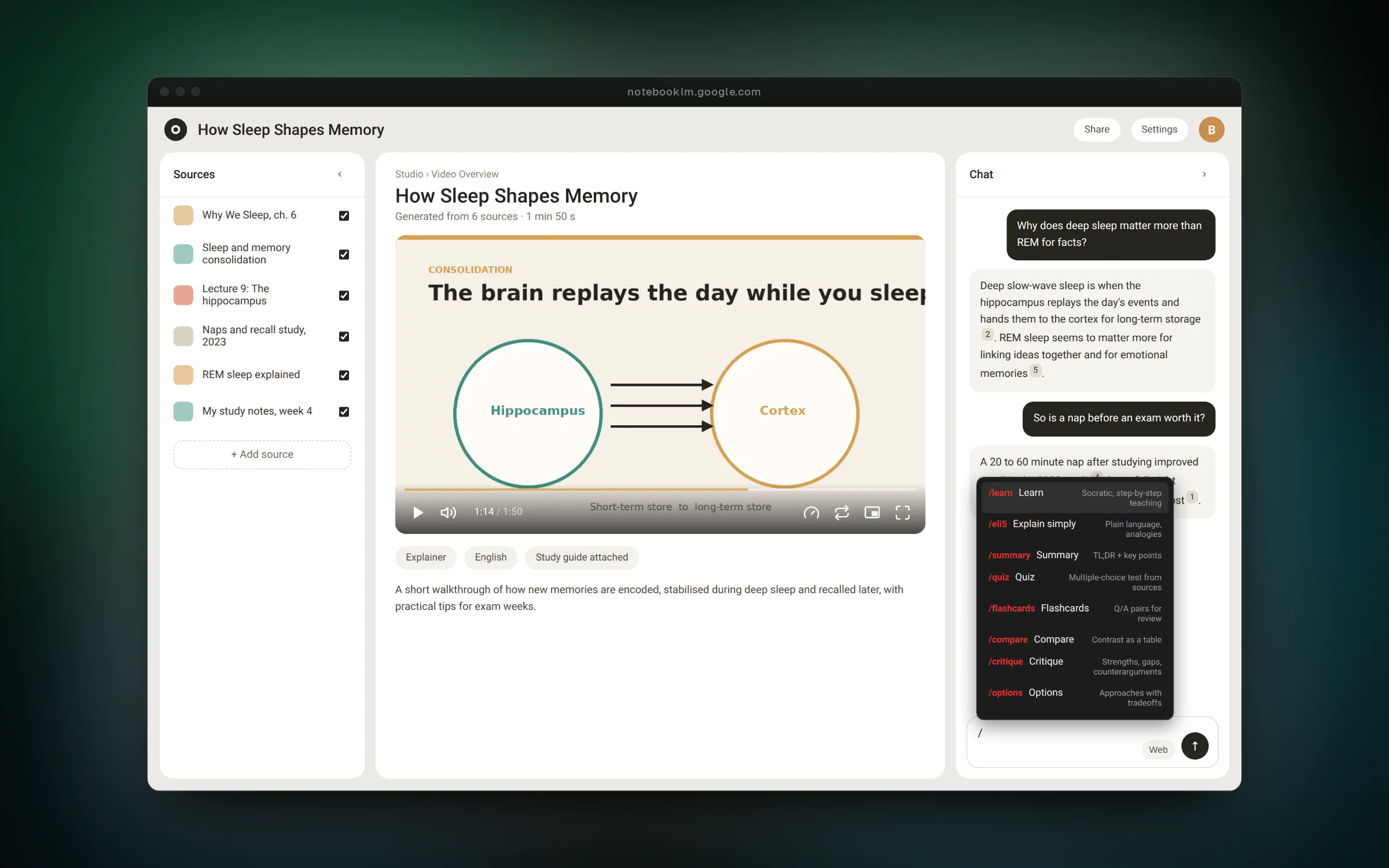
It also adds a Zen mode that hides panels and clutter for focused chatting, and a slash menu in the chat box that inserts prompts like Quiz, Flashcards or Explain simply.
Features
- Control Video Overviews with YouTube shortcuts like K, J, L, arrows and 0 to 9
- Loop a section with [ and ], step frame by frame and open picture-in-picture
- Resume each notebook's video where you left off, with speed and volume remembered
- Hide the sources panel, top bars and citations with one Zen mode toggle (Alt+Z)
- Type / in the chat to insert study prompts such as Quiz, Flashcards or Compare
Challenges
- Working on a single-page app that mounts and removes its player as you navigate, handled with a DOM observer that attaches and tears down cleanly
- Styling injected controls without clashing with Google's CSS by putting all UI inside a Shadow DOM
- Targeting the generic video element instead of obfuscated class names so the extension survives NotebookLM redesigns
- Keeping shortcuts from firing while the user is typing in the chat, using capture-phase listeners that only claim keys the player owns