Developer tools
Live Subtitles
A Chrome extension that listens to the audio of the current tab, not the microphone, and shows captions over the video as people speak. Every line is saved with its timestamp, so you can jump back to it or download subtitles as SRT, VTT or text.

 Source code
Uses Chrome's newer ability to run speech recognition on a tab's audio track, on-device when a language pack is installed.
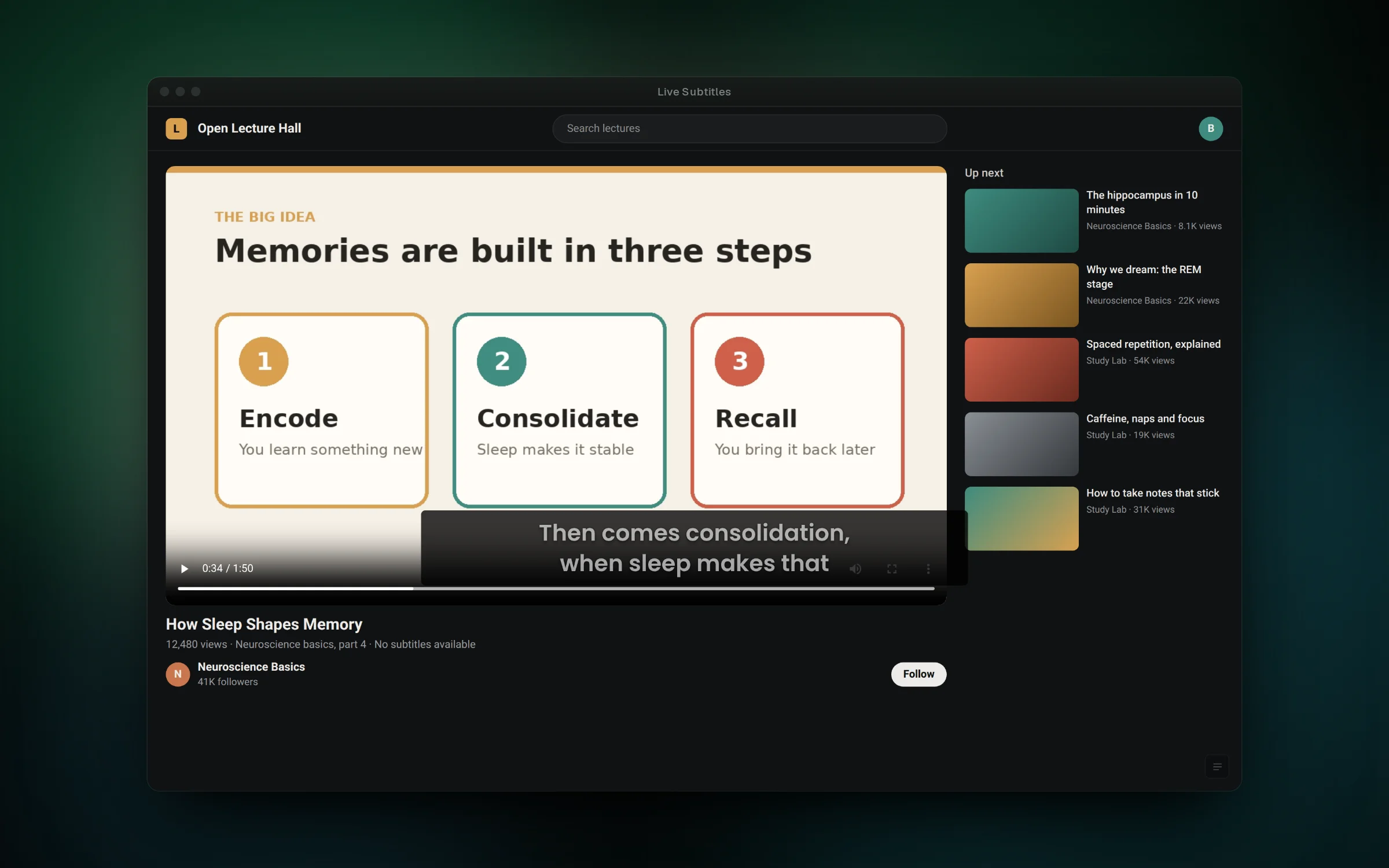
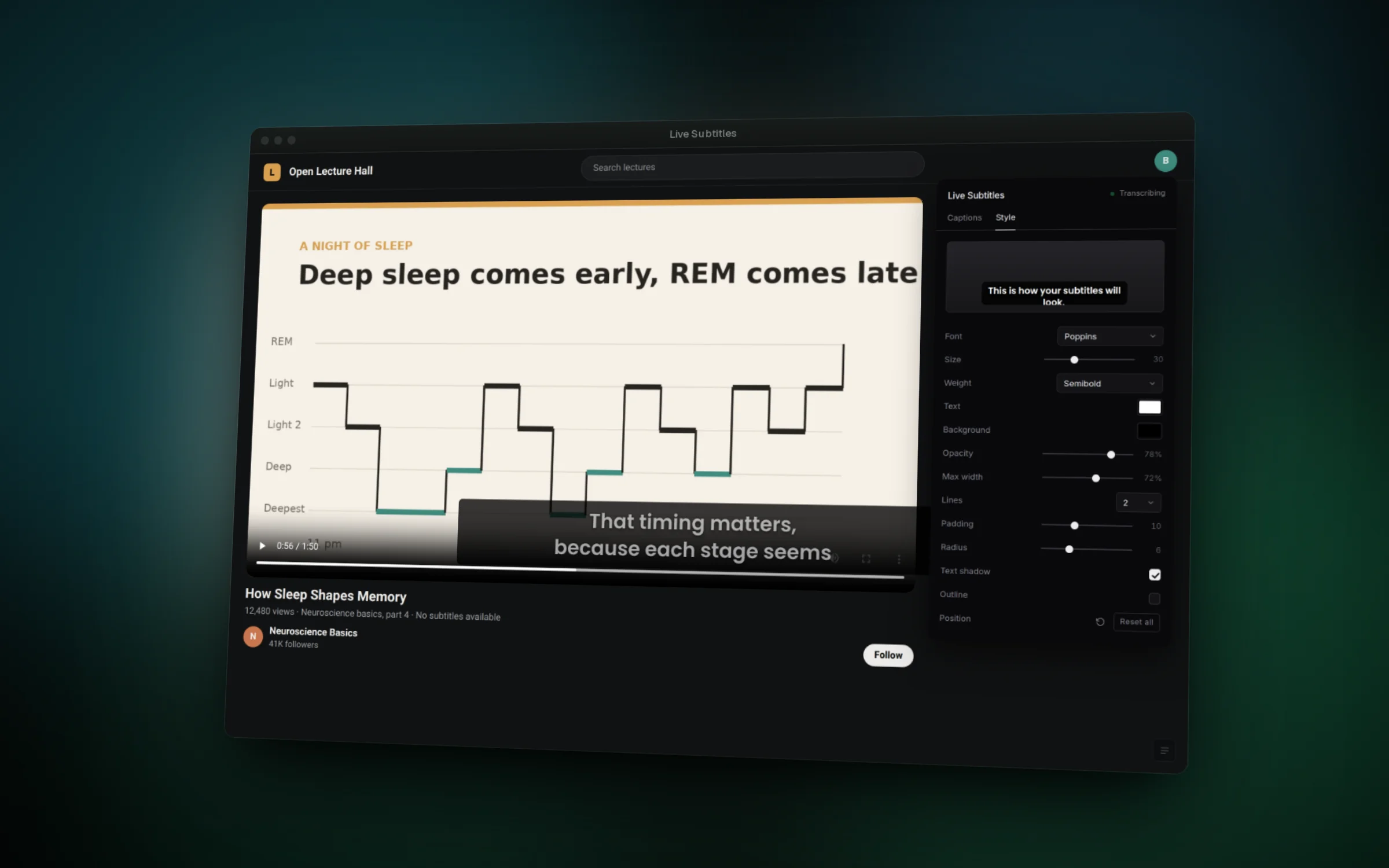
01 / 06Live captions over a video that has no subtitles
Overview
Plenty of lectures, talks and recorded meetings have no subtitles. Live Subtitles adds them on the fly for whatever is playing in the current Chrome tab, so you can follow along with the sound low or keep a written record.
When you press Start, the extension captures the tab's audio, keeps it playing through your speakers or headphones, and passes the same audio to Chrome's speech recognition. Captions appear in a draggable band over the video, with words still being recognized shown dimmed.
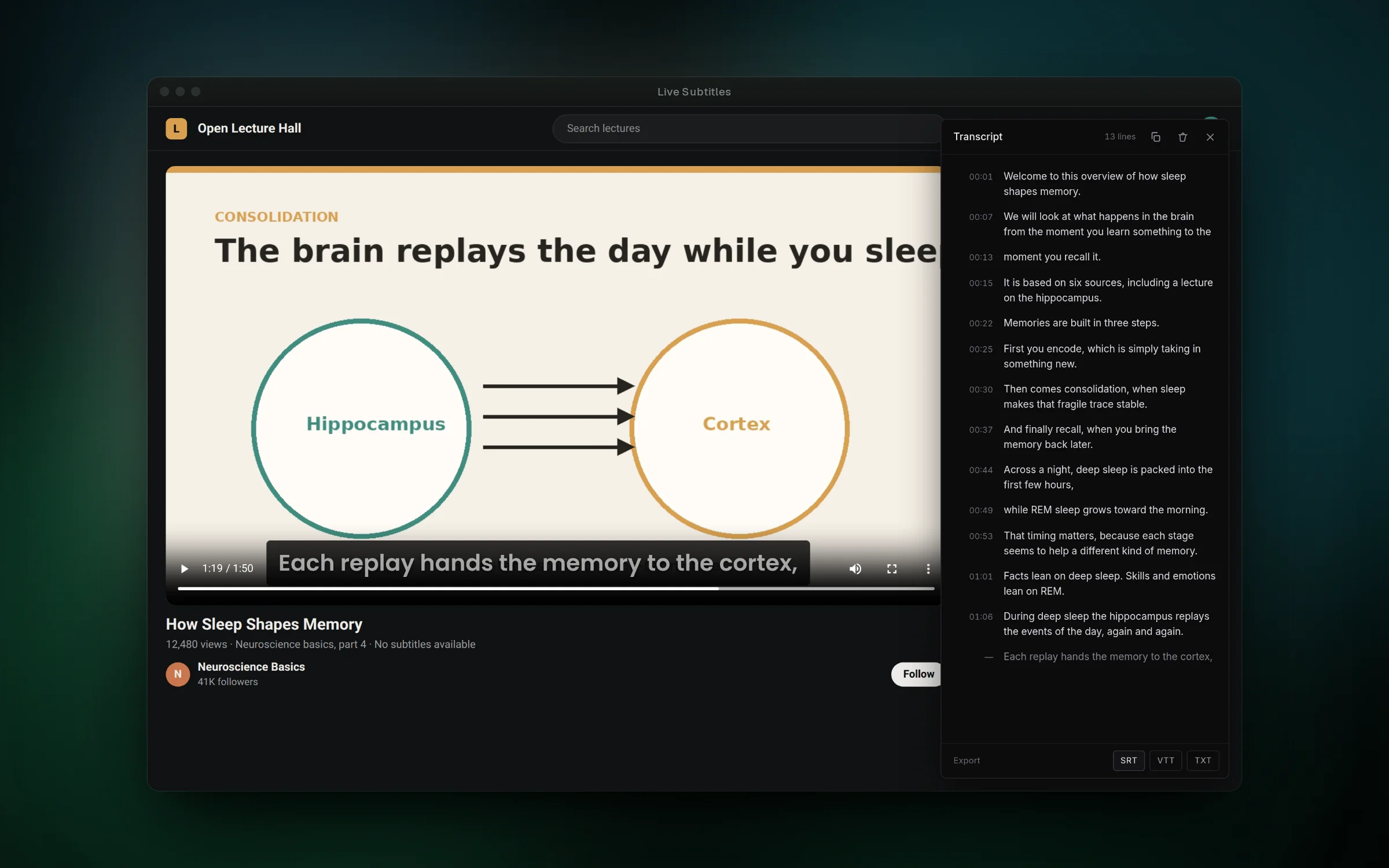
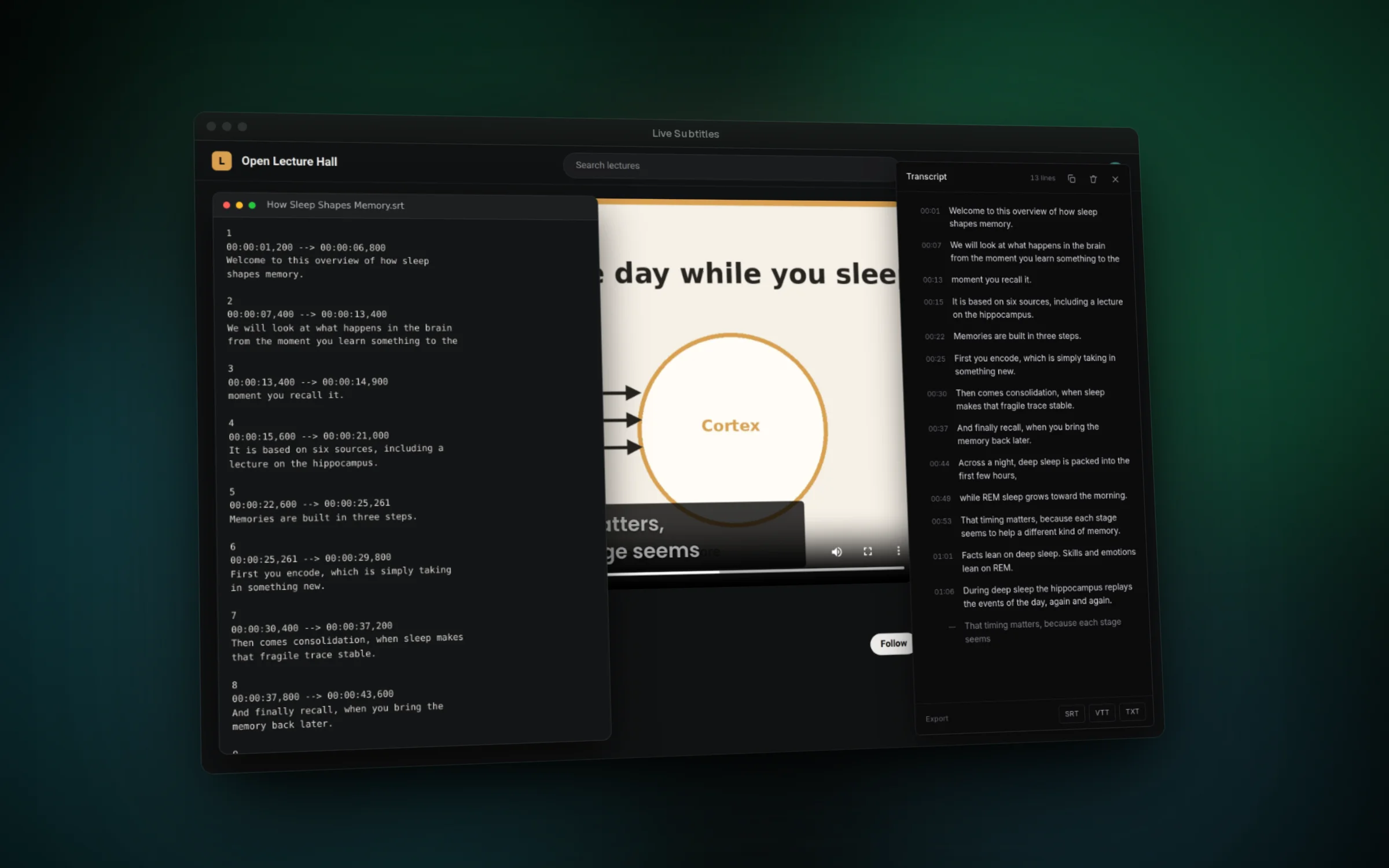
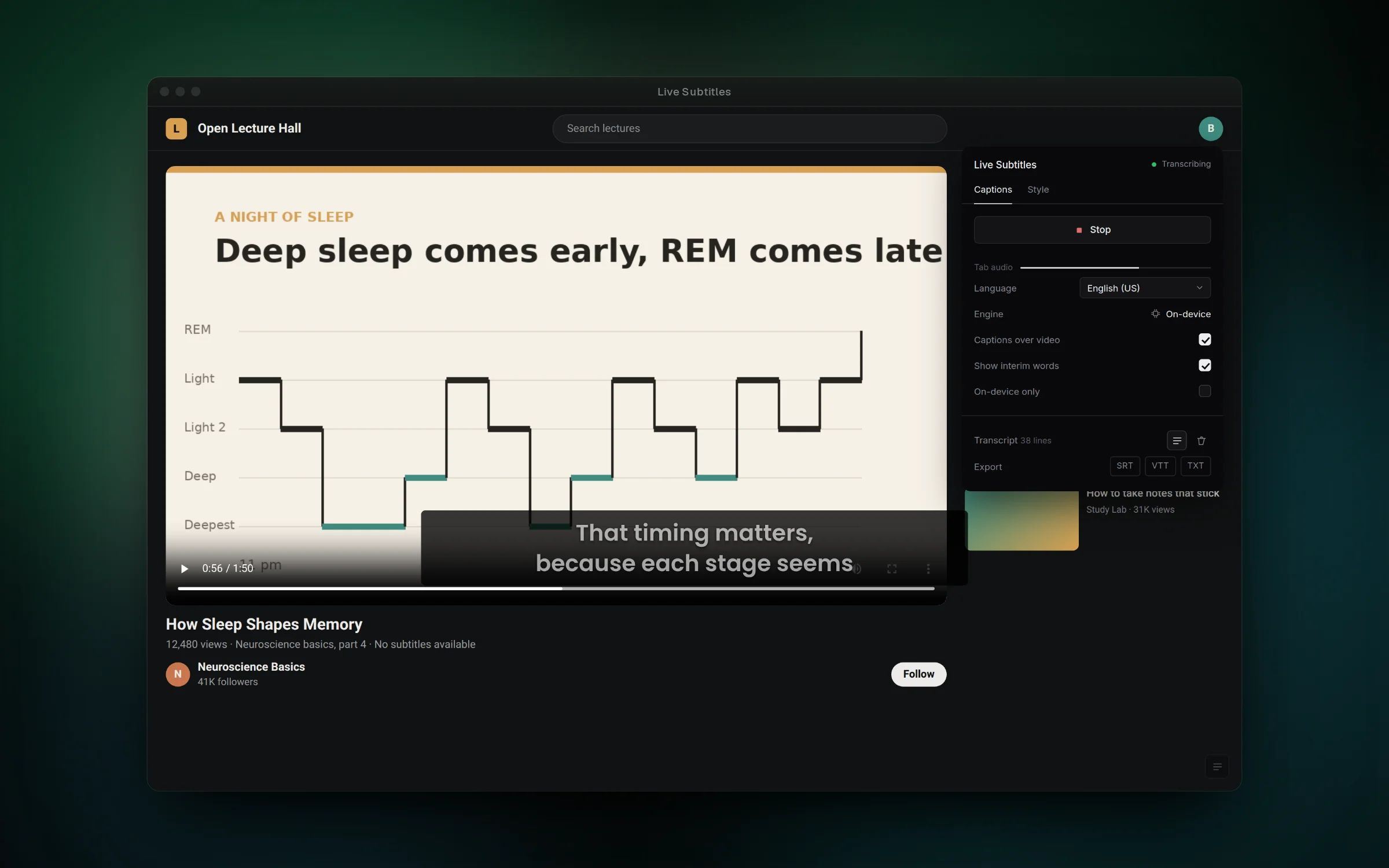
A side panel keeps every line with the video time it was spoken at. Click a line to jump there, or export the whole transcript as SRT, VTT or TXT. The popup shows whether recognition runs on-device or in Google's cloud, and can refuse to start unless it stays on-device.
Features
- Caption any tab's audio without using or asking for the microphone
- Drag the captions anywhere, with the position remembered per site
- Open a timestamped transcript and click a line to seek the video
- Download subtitles as SRT, VTT or plain text that line up with the video
- Change font, size, colors, opacity and line count from the popup
- Require on-device recognition so audio never leaves the computer
Challenges
- Capturing tab audio from a Manifest V3 extension, which needs an offscreen document because service workers have no DOM
- Keeping the video audible, since Chrome mutes a tab while it is captured, by routing the stream back to the speakers
- Timing cues from the video's own playhead so exported subtitles stay in sync even if you pause or seek
- Restarting recognition when Chrome ends long sessions on its own, with backoff so captions do not stop after a few minutes
- Testing the whole session flow in Node by running the real service worker against a mocked chrome API